PCM™ Manager
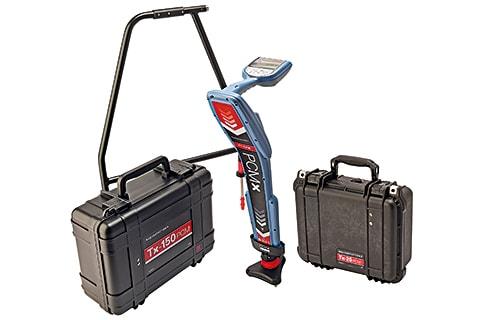
PCM Manager is the Windows® PC software package for Radiodetection’s PCMx pipeline current mapper.
PCM Manager allows operators to:
- Download and install the latest software for their PCMx
- Transfer and export survey measurements, and usage data
- Configure their PCMx
- Remotely certify their PCMx’s calibration using eCert™
- Register their PCMx locator for an extended warranty. Customers who register their product within 3 months of purchase will receive an additional 2 years of warranty on top of the standard warranty
Supported Products
PCM Manager presently supports the PCMx locator
System requirements
PCM Manager is compatible with Microsoft Windows versions 7 and above. Administrator privileges are required to install PCM Manager.
Current PCM Manager version
Version: 2.5.0.0
Install & use PCM Manager
The PCM Manager installation guide and Operation Manual can be found in our online Support portal .
Our Support portal offers a comprehensive knowledge base library which is available online. Here you will be able to find and answer or ask technical questions for all Radiodetection products.
If you are installing PCM Manager 2.5.0.0 on your own PC or laptop, download the PCM Manager Software – Release 2.5.0.0 zip file, open the setup.exe and follow the instructions.
If you are installing PCM Manager 2.5.0.0 as part of a wider deployment, download the PCM Manager Silent Installer – Release 2.5.0.0 zip file. Installation instructions are in the Operation Manual.
Download